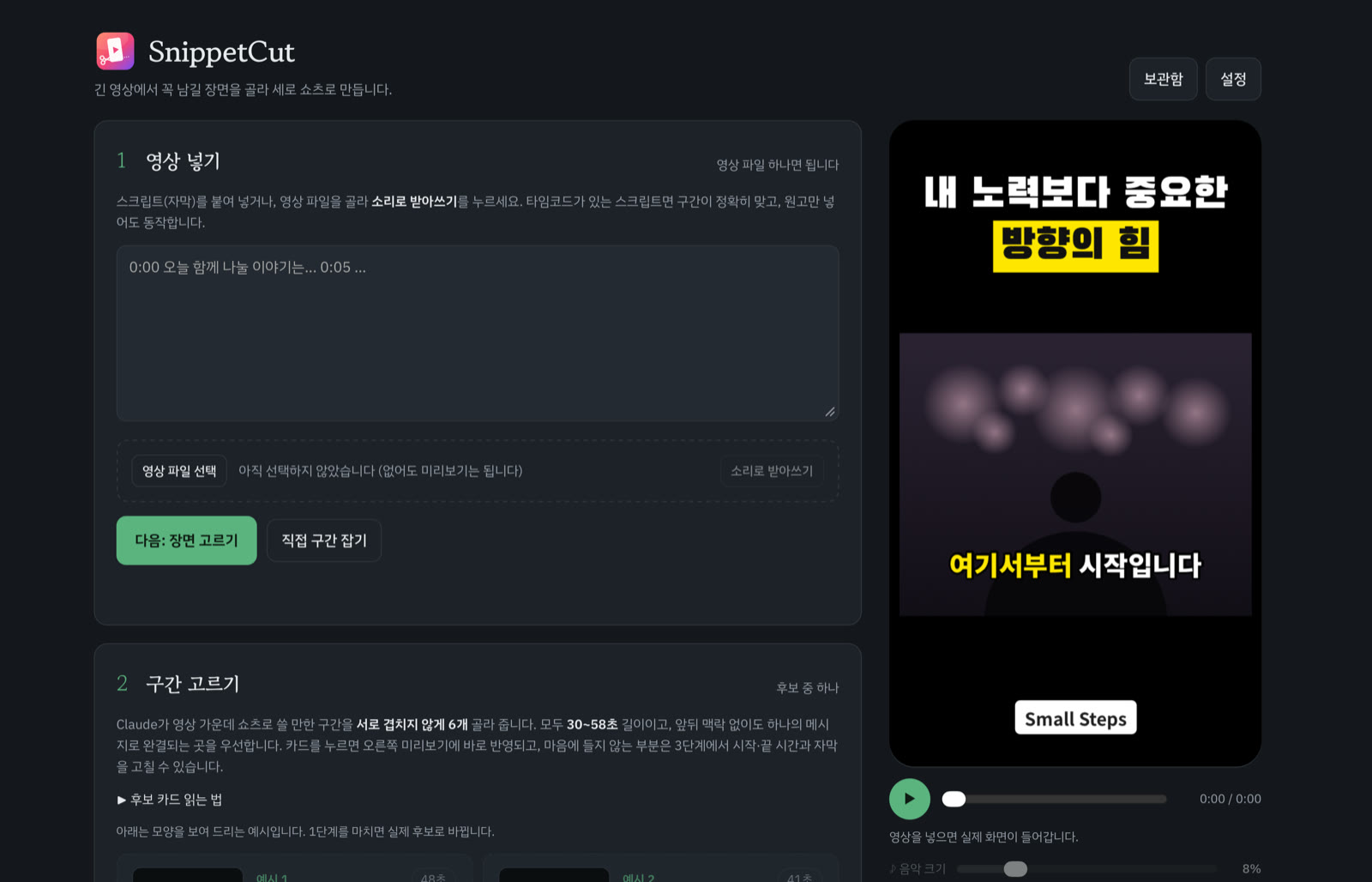
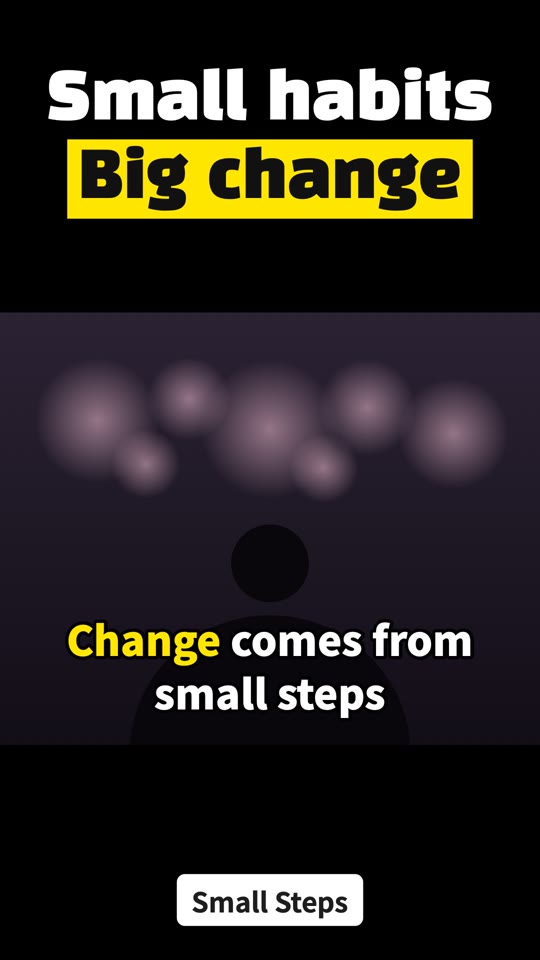
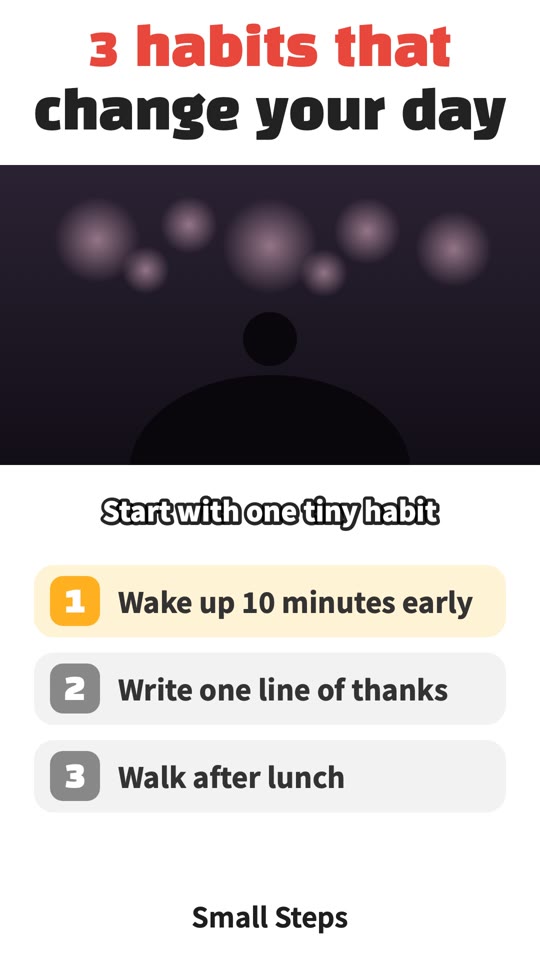
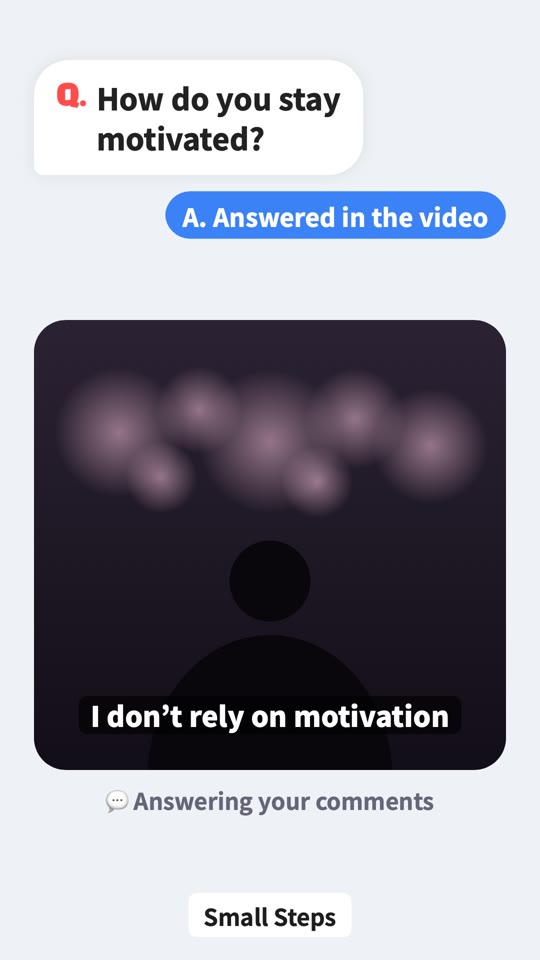
Long video in.
Shorts out.
긴 영상을 넣으면,
쇼츠가 나옵니다.

SnippetCut finds the moments worth sharing in your talks, lectures, interviews and podcasts — and turns them into polished vertical Shorts in minutes.강의·강연·인터뷰·팟캐스트 영상에서 꼭 남길 장면을 찾아, 몇 분 만에 완성도 높은 세로 쇼츠로 만들어 드립니다.

For Mac and iPad · English and Korean맥·아이패드 · 한국어와 영어

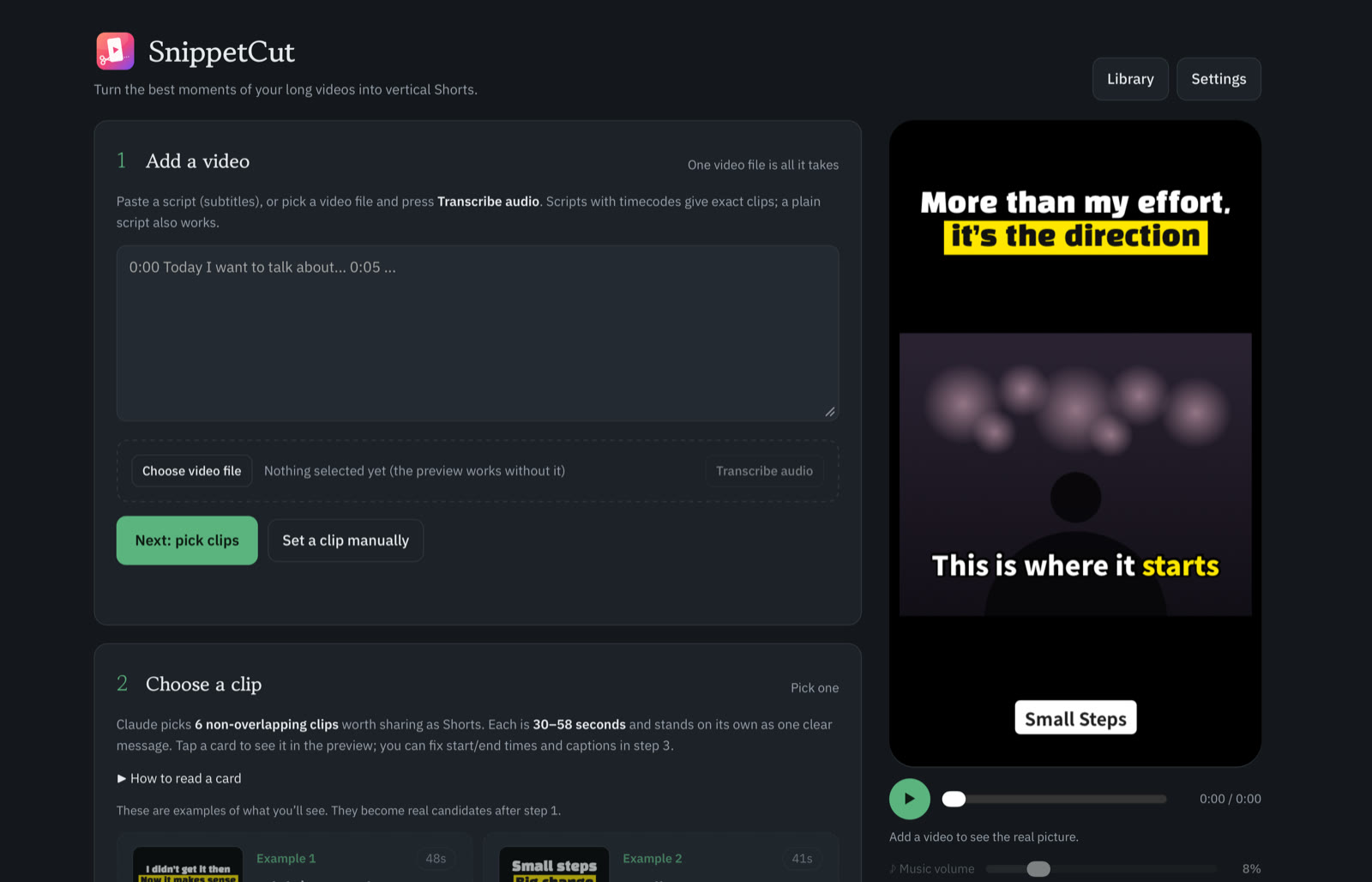
SnippetCut appSnippetCut 앱 화면

How it works쓰는 법

Three steps.
No editing skills needed.
세 단계면 끝.
편집을 몰라도 됩니다.

1

Add a video영상 넣기

Drop in any long video. It’s transcribed right on your device — in Korean, English and more.긴 영상을 그대로 넣으세요. 기기 안에서 바로 받아씁니다. 한국어·영어 등 여러 언어.

2

Pick the moment장면 고르기

AI suggests six self-contained 30–58 second clips, each with a two-line title and captions.AI가 30~58초짜리 완결된 구간 6개를 제목 두 줄과 자막까지 붙여 골라 줍니다.

3

Export내보내기

Choose a template, add music and motion, and export a crisp 1080×1920 MP4 — faster than real time.템플릿과 음악·효과를 고르면 1080×1920 MP4가 실제 시간보다 빠르게 만들어집니다.

Features기능

Everything a great Short needs.좋은 쇼츠에 필요한 모든 것.

AI picks the moments.AI가 장면을 고릅니다.

It reads the whole transcript and finds the parts that grab attention from the first line and end on a clear point. Use the AI you already have — Claude, ChatGPT or Gemini.받아쓴 글 전체를 읽고, 첫마디부터 귀를 붙잡고 분명하게 끝나는 구간을 찾습니다. 쓰시던 AI(Claude·ChatGPT·Gemini)를 그대로 씁니다.

ClaudeChatGPTGemini
✂️

Polish with AIAI로 다듬기

Cuts long pauses, repeats, filler words and awkward lines — and removes them from the captions too.긴 쉼·되풀이·군말·어색한 말을 잘라내고, 자막에서도 함께 지웁니다.

🔒

Private by design내 기기 안에서

Transcription and rendering happen on your Mac or iPad. Your video never goes to our servers — we don’t have any.받아쓰기와 영상 만들기는 맥·아이패드 안에서 합니다. 영상을 외부 서버로 보내지 않습니다.

🎨

39 templates + your own템플릿 39종 + 내 템플릿

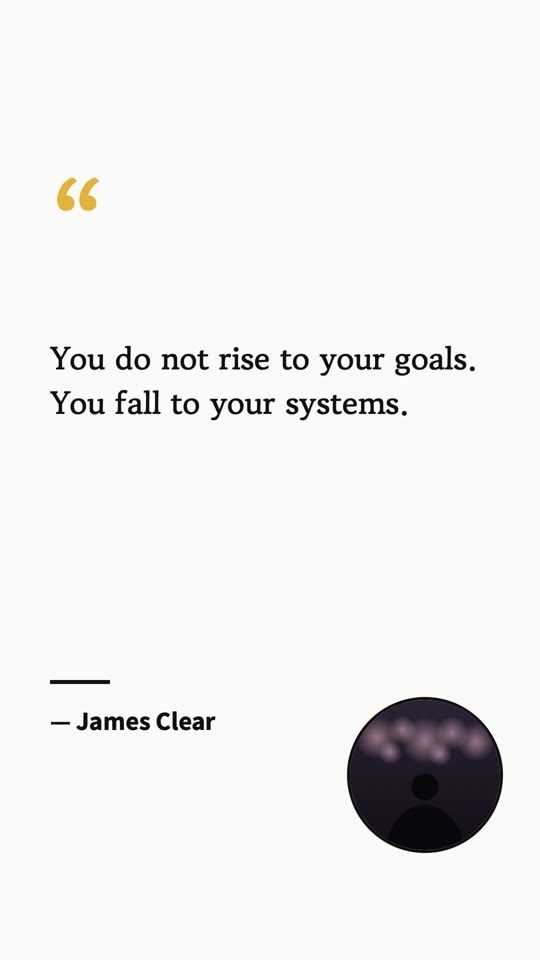
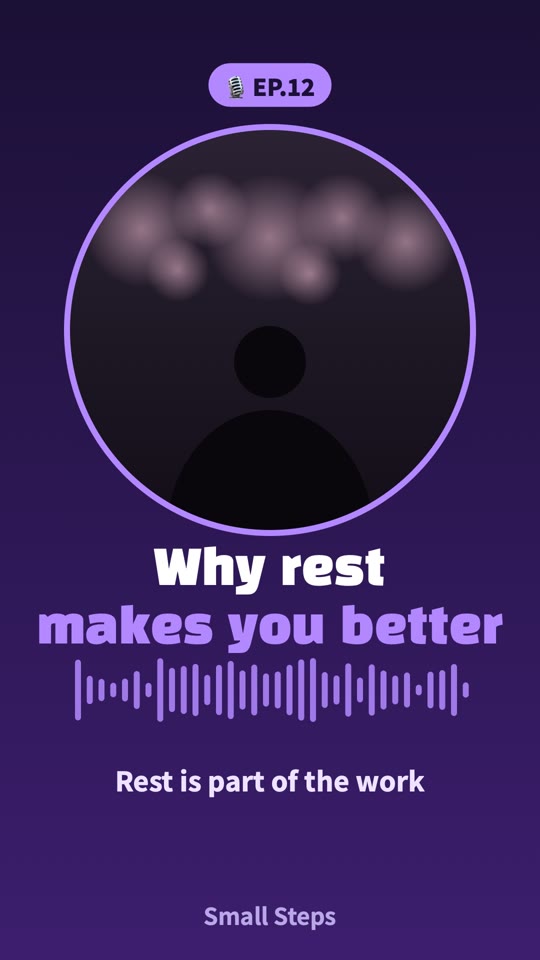
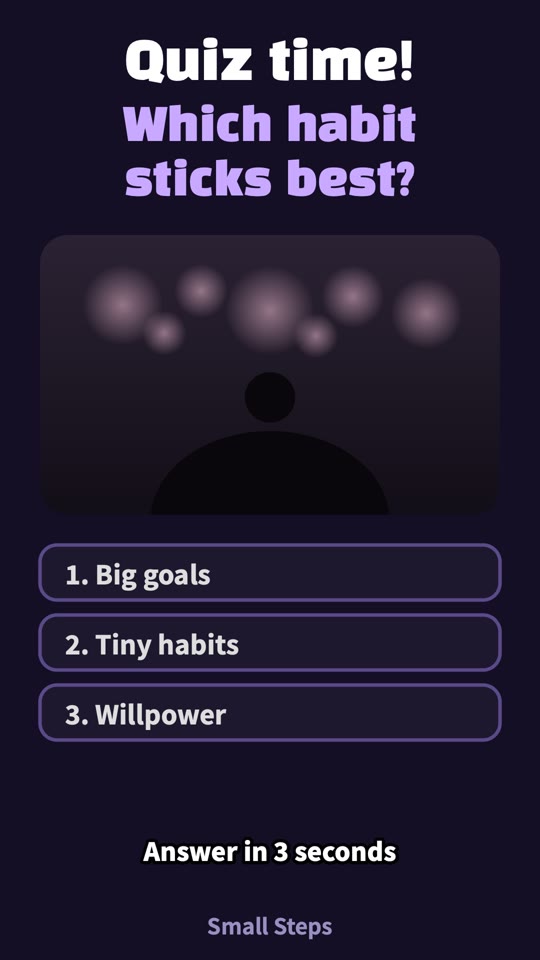
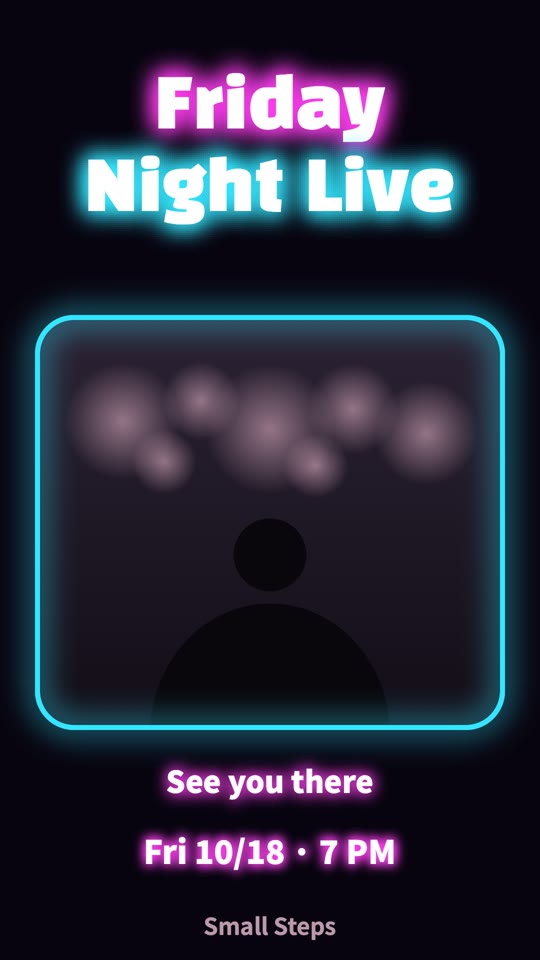
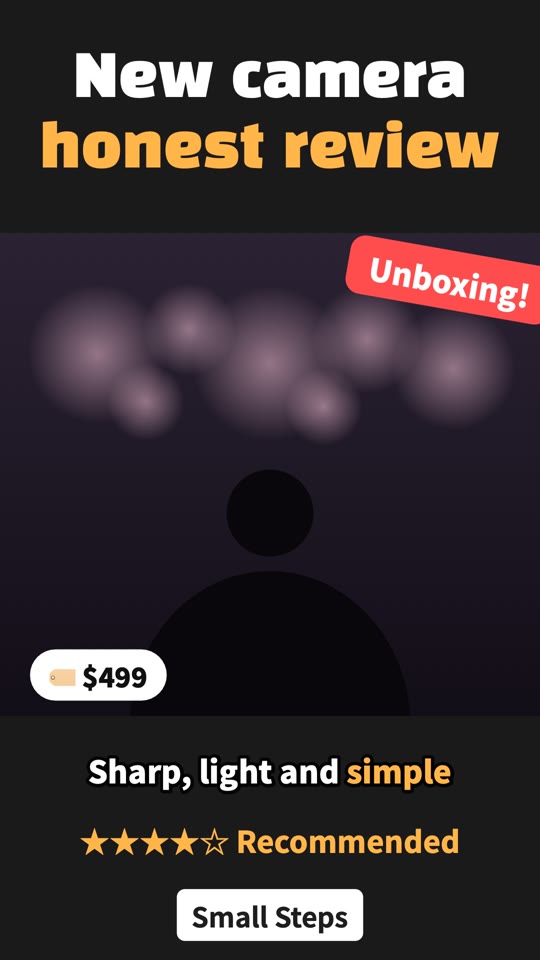
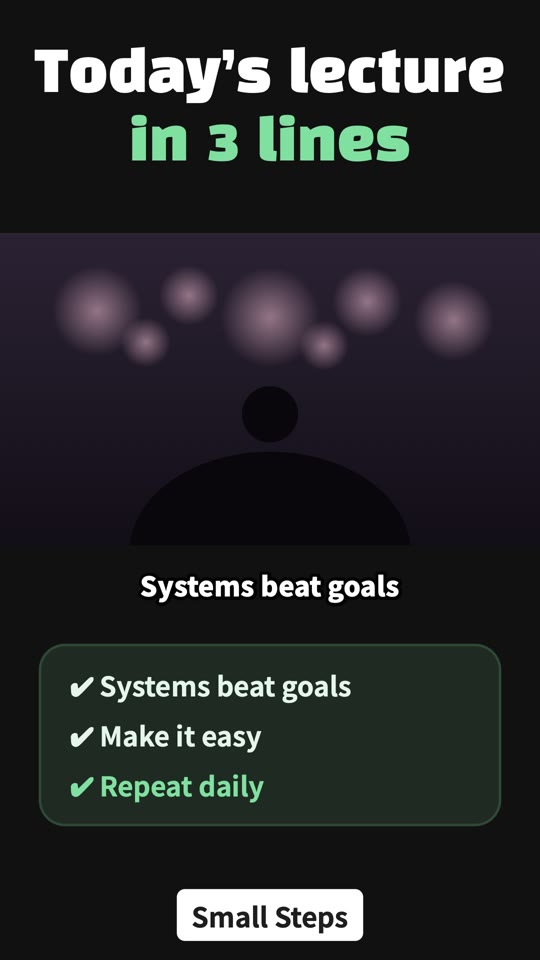
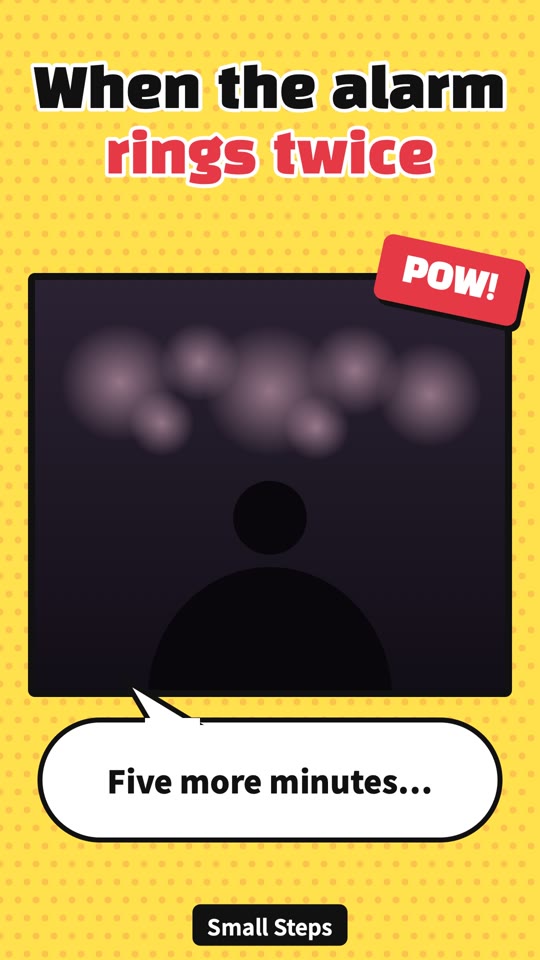
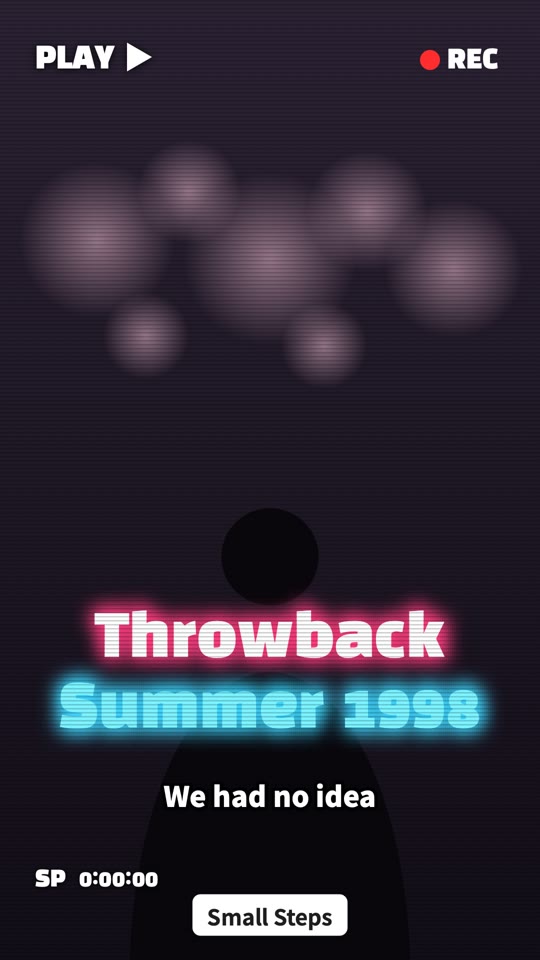
Talk highlights, Q&A, Top 3, quiz, meme, neon, VHS and more. Or design your own and drag elements into place.토크·Q&A·Top 3·퀴즈·밈·네온·VHS 등. 직접 만들고 끌어서 배치할 수도 있습니다.

✨

Motion & stickers움직이는 효과

Snow, sparkles, starlight, floating hearts and animated emoji that bounce, spin and pulse.눈·빛가루·별빛·하트, 통통 튀고 빙글 도는 이모티콘.

🎵

21 royalty-free tracks저작권 걱정 없는 21곡

Lo-fi, upbeat pop, cinematic, acoustic, hip-hop and more — all original, made for this app.로파이·팝·시네마·어쿠스틱·힙합 등, 모두 이 앱에서 직접 만든 곡.

Captions that keep up.말에 딱 맞는 자막.

Word-level timing keeps every caption in sync with the voice. Built-in spell check fixes what speech recognition misheard.낱말 단위 시간으로 자막이 목소리에 딱 맞습니다. 맞춤법 검사가 잘못 알아들은 말도 고쳐 줍니다.
Templates템플릿

A look for every story.이야기마다 어울리는 모양.

Pricing가격

Free for 7 days.
Then one price. Yours to keep.
7일은 무료.
그다음은 한 번 구입으로 계속.

$14.9919,000원one-time1회 구입
  • All templates, effects and music모든 템플릿·효과·음악
  • Unlimited Shorts export쇼츠 무제한 내보내기
  • Mac and iPad (App Store universal purchase)맥과 아이패드(앱스토어 유니버설 구입)
  • No subscription. No watermark.구독 없음. 워터마크 없음.

FAQ

Does my video leave my device?영상이 외부로 전송되나요?

No. Transcription and rendering run on your device. Only if you use AI clip picking is the transcript text sent to the AI you choose (Claude, ChatGPT or Gemini).아닙니다. 받아쓰기와 영상 만들기는 기기 안에서 합니다. AI 구간 추천을 쓸 때만 받아쓴 글이 사용자가 고른 AI로 전달됩니다.

Do I need an AI subscription or API key?AI 구독이나 API 키가 필요한가요?

No. By default you paste a ready-made request into your favorite AI chat — free accounts work. An automatic mode with your own API key is also available, as is a manual mode with no AI at all.아닙니다. 기본 방식은 평소 쓰는 AI 채팅에 요청 글을 붙여 넣는 방식이라 무료 계정으로도 됩니다. API 키로 하는 자동 방식, AI 없는 수동 방식도 있습니다.

Which languages are supported?어떤 언어를 지원하나요?

The app is available in English and Korean. Speech can be transcribed in English, Korean, Japanese, Chinese, Spanish, French, German and more, or detected automatically.앱 화면은 한국어와 영어입니다. 받아쓰기는 한국어·영어·일본어·중국어·스페인어·프랑스어·독일어 등을 지원하고, 언어를 자동으로 알아낼 수도 있습니다.

Can I use trending songs?유행하는 노래를 쓸 수 있나요?

Commercial songs can’t be bundled because of copyright. Use the 21 built-in royalty-free tracks, or add a licensed trending sound later in the YouTube app.상업 음원은 저작권 때문에 넣을 수 없습니다. 앱에 든 21곡을 쓰시거나, 유튜브 앱에서 허락된 유행 음원을 더하세요.

Is it a subscription?구독인가요?

No. Try everything free for 7 days, then buy once and keep it.아닙니다. 7일 동안 모든 기능을 무료로 써 보고, 한 번 구입하면 계속 쓰실 수 있습니다.